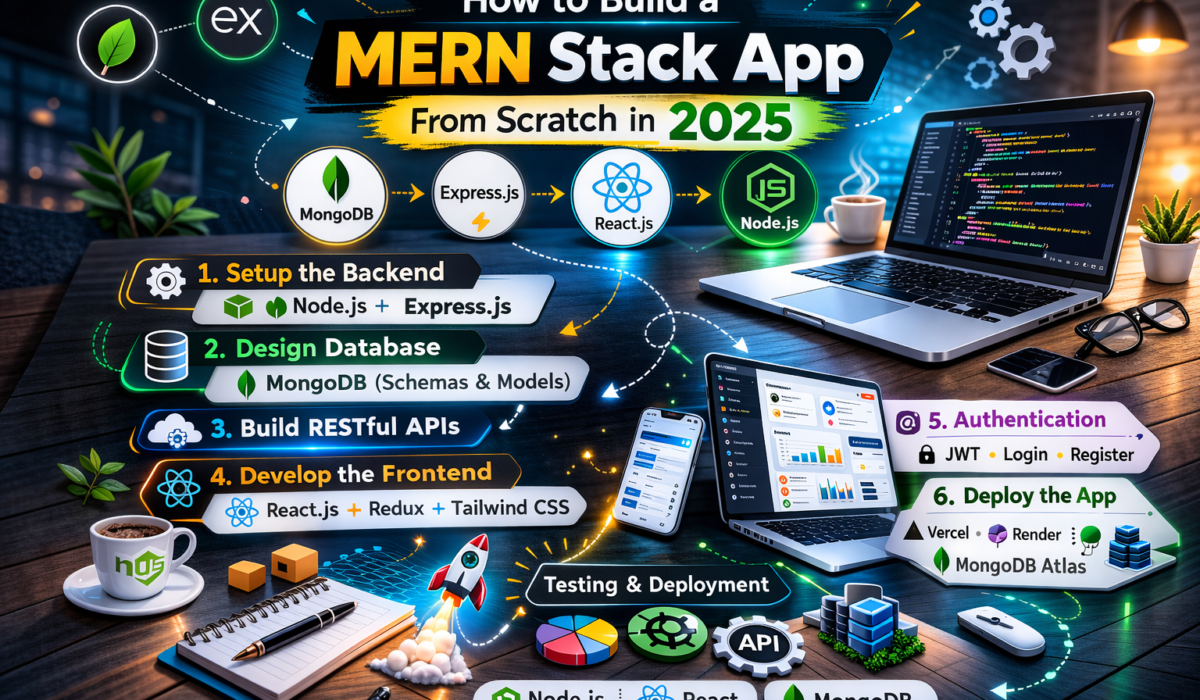
MERN Stack (MongoDB, Express.js, React.js, Node.js) is one of the most popular tech stacks for building full-stack web applications. Here is how to build your first MERN app from scratch.
Project Setup
Create two folders: server for the backend and client for the React frontend. In the server folder, initialize npm, install Express, Mongoose, cors, dotenv, and nodemon. In the client folder, create a React app using Vite.
Build the Express API
Create your Express server in server.js. Connect to MongoDB using Mongoose. Define your routes and controllers. Use express.json() middleware to parse request bodies. Add error handling middleware at the end.
Create MongoDB Models
Define Mongoose schemas for your data. Each schema maps to a MongoDB collection. Add validation rules directly in the schema. Export the model to use in your controllers.
Build the React Frontend
Use Axios to call your Express API from React. Manage state with useState and useEffect. Use React Router for navigation. Create reusable components for forms, lists, and cards.
Authentication with JWT
Add bcryptjs to hash passwords and jsonwebtoken to create tokens on login. Store the token in localStorage or httpOnly cookies. Create a protected route component that checks for a valid token before rendering.
Deployment
Deploy the Node.js backend to Railway or Render. Deploy the React frontend to Vercel or Netlify. Set your environment variables on both platforms.